Tag Archives: mcu

WiFi and lasers

After getting my head around the input/output part of my little NodeMcu board, I set myself another challenge: to control a laser over WiFi.

The laser
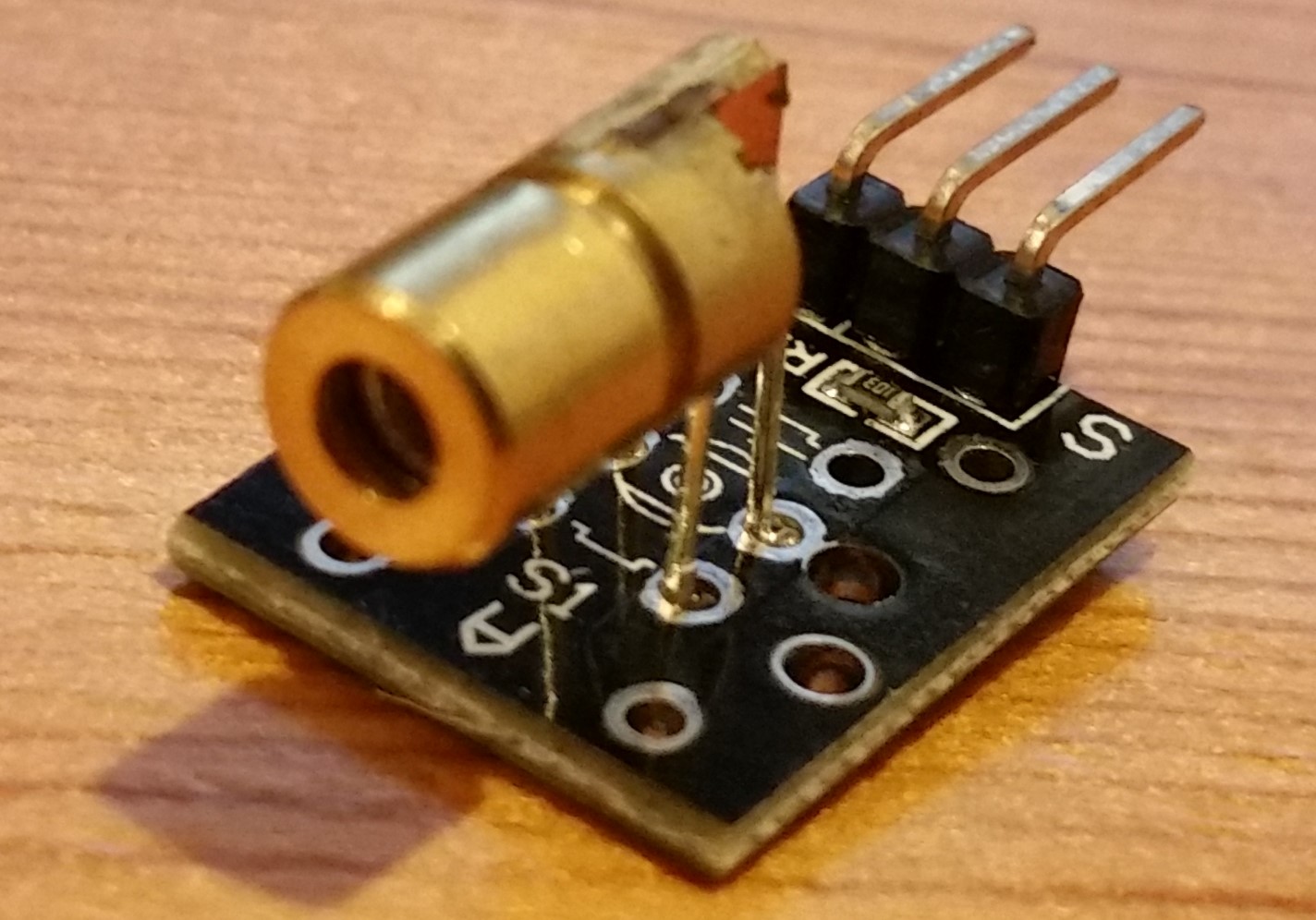
One of the items I brought when I first received the NodeMcu board, along with a basic electronics kit, was a selection of sensors and other small modules. This included a basic laser, which is the one I will be looking to control over WiFi.

The setup was pretty simple. Pin D2 from the board, to the input of the laser, to ground. On my first attempt I did try to add a resistor to the mix, however since the laser refused to even turn on, I assumed that the laser would add enough resistance without it. Continue reading →
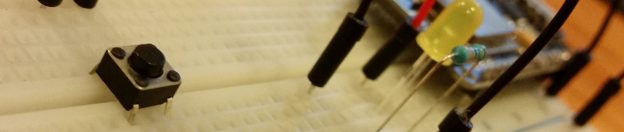
Pushing NodeMcu’s buttons

After getting started with NodeMcu and figuring out the basics of using the GPIO pins for output, the obvious next step was to give input a go. So I set myself another challenge: to wire up a button which lit up an LED on another GPIO pin.

The code

The first thing I did was to head back to the NodeMcu documentation to check out how to set the pin mode to input. Seeing a lot more options than the simple “INPUT” or “OUTPUT” I was expecting, I chose the interrupt mode. This would allow me to use the button as a “trigger”, which could then call another function to change the state of my LED.

The last optional argument was also interesting, giving me the option of using an internal weak pull-up. I had no idea what this was referring too, however after watching a couple of YouTube videos I managed to get my head around it. Would also recommend this site here which has an easy-to-understand description. Basically it stops the pin from “floating” (being in a state of not on or off, just floating) as well as preventing shorts. It involves keeping the pin at a high voltage while the button is off, and dropping the voltage when the button is pressed. With this built in (or so I hope from the word “internal” in the description) it allows me to make a much simpler circuit, so it got included. Continue reading →

Getting started with a NodeMcu

I took a systems and control course back in my GCSE days and own a Raspberry Pi, yet haven’t done any “electronics” work for years. That’s not to say I’ve haven’t talked about this stuff, I just haven’t done anything.

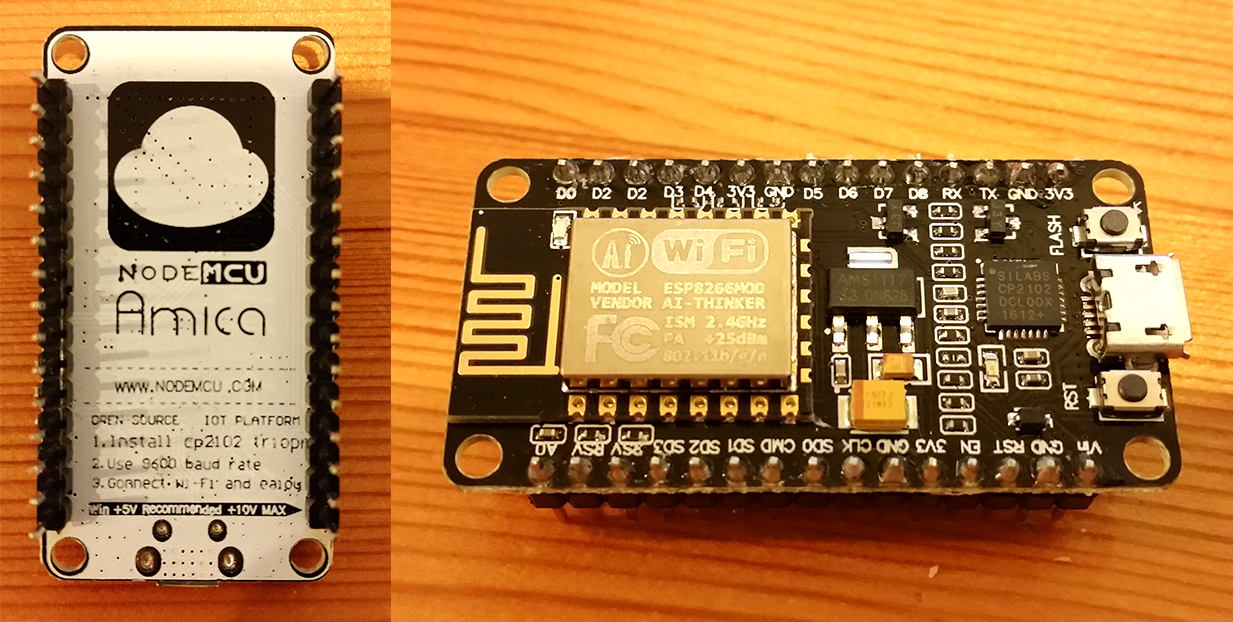
However the other day I was kindly given a NodeMcu dev kit to have a play around with, an awesome little microcontroller with WiFi, many GPIOs and I’m sure a lot more things I don’t understand at this moment. A £25 Amazon cart later to get some components (I could have stopped at £15 – but those Amazonians are clever with their recommendations) I’m finally ready to get back into some electronics.

NodeMCU Dev Kit

Talking to the board (eventually)

I got started by reading through the NodeMCU documentation on uploading code, assuming the board would have come pre-flashed with firmware. ESPlorer seemed straight forward enough, so downloaded it, plugged in my NodeMCU over USB (got a blue light, it works!) and got started. Continue reading →